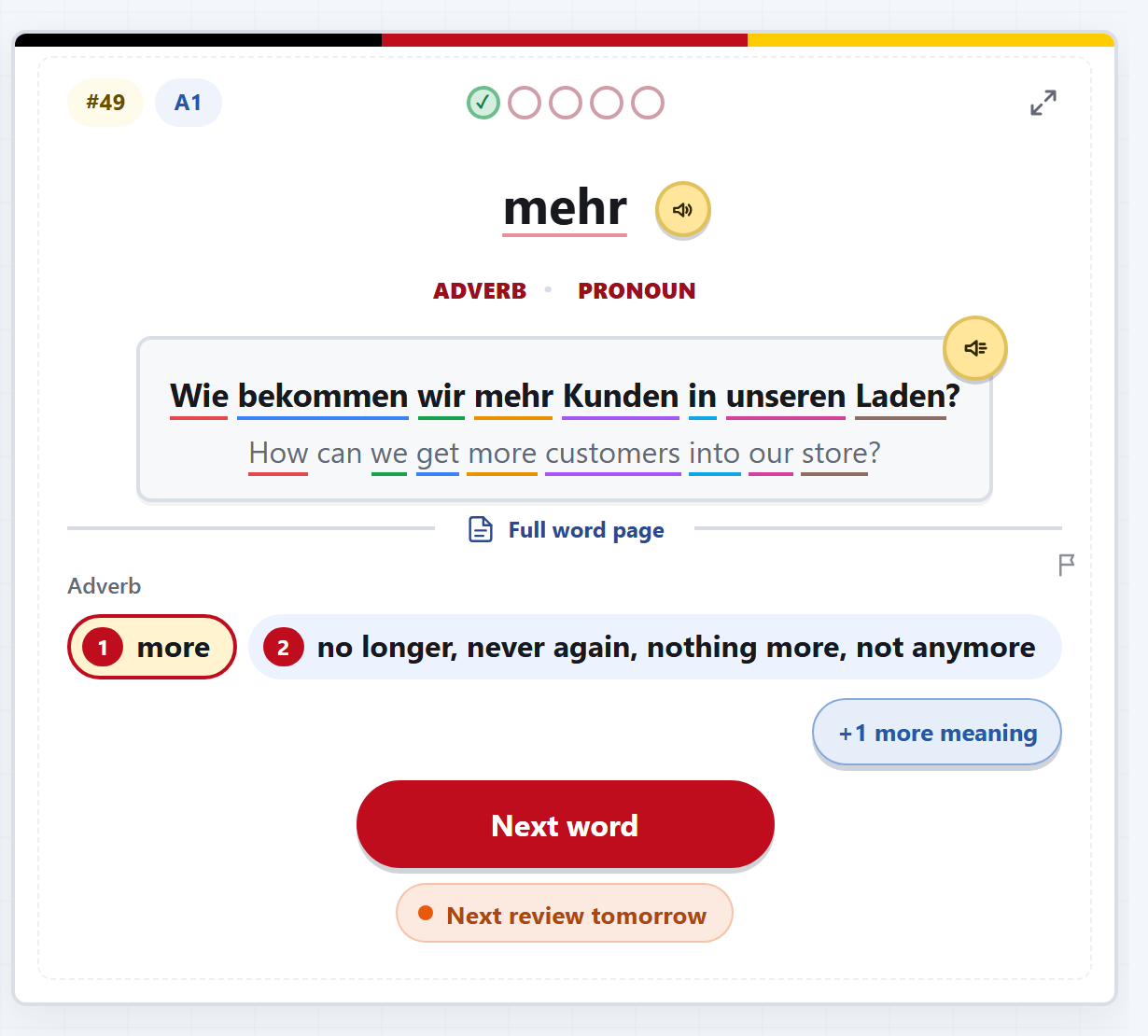
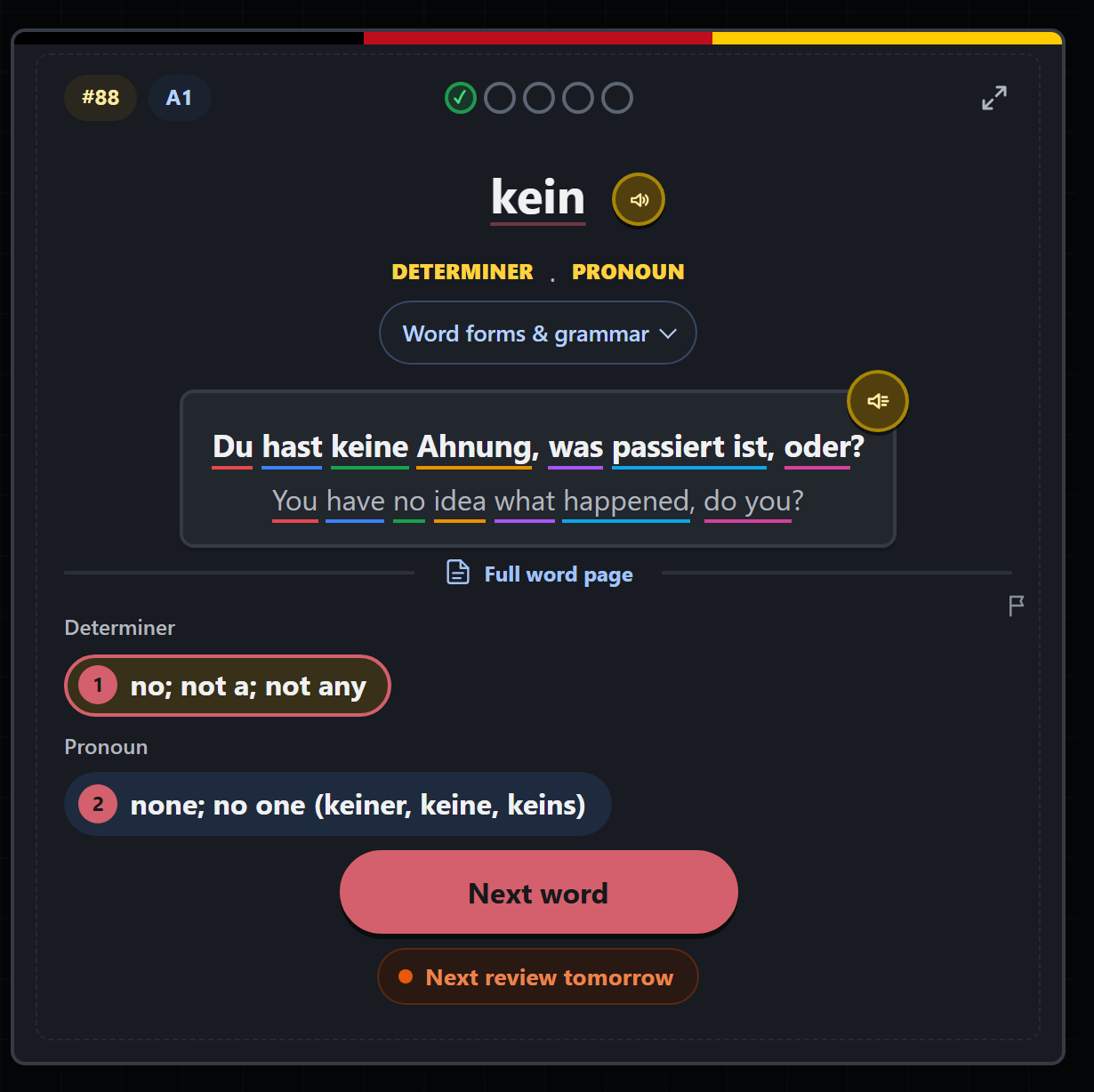
A complete card, not an isolated translation
Every solution brings meaning, grammar, level, usage rank, pronunciation and a natural sentence together, so you learn how the word behaves rather than memorising one loose equivalent.
Study
Remember words · always free
Study turns the word library into a focused daily session. You answer before the solution appears, then tell Vokabahn how securely you knew it. That rating decides what comes back and when.
Why use it
Every solution brings meaning, grammar, level, usage rank, pronunciation and a natural sentence together, so you learn how the word behaves rather than memorising one loose equivalent.
Get a word right and it moves further out: tomorrow, three days, a week, three weeks, then it counts as learned. Get it wrong and it drops one step and comes back before the session ends.
Mix A1–C2 levels, word types, frequency ranges and topics. Study German to English, English to German or both ways, and reset any active set whenever you want.
Daily XP gives the session a finish line. Reach it and you can stop with a clear result or continue in an open session for as long as you like.
Vokabahn Express has a daily line: the same words in the same order for everyone, with one ranked ride a day on the Today board. Practice rides after it count toward the All time board, and the line changes at midnight UTC.
Everything is kept in this browser until you sign in with Google. After that your review schedule, daily XP, days studied and game bests move with you to any device you sign in on. Your chosen word set and a session already in progress stay where they are - settings are per-device on purpose.
Use it well
Choose a level or build a custom word set in Settings.
Answer before revealing or selecting the meaning.
Pick the meaning you think is right. The schedule does the rest: right moves a word further out, wrong brings it back the same day.